Looking For a Bookkeeper Near Me? 5 Things You Should Know About Going Virtual
Jackie Dorner • March 7, 2026

When you first started your business, you probably handled everything yourself: the sales, the marketing, and yes, the dreaded "shoebox" of receipts. But as your business grows, those receipts start to feel like a mountain, and your "free time" on the weekends starts to disappear into spreadsheets.
Naturally, your first instinct is to pull up Google and type in "bookkeeper near me."
It makes sense. You want someone you can trust, someone who knows the local area, and someone you can physically hand a folder of papers to if things get messy. Whether you are in Buffalo, Rochester, Niagara Falls, or anywhere else, the desire for local connection is strong.
But here is a little secret from someone who has been in the industry for over a decade: the "near me" part matters a lot less than the "right for me" part.
At DornerLand Bookkeeping, I’ve helped business owners transition from the traditional local office model to virtual bookkeeping services. I’ve seen firsthand how this shift opens up more time for business owners to actually run their businesses instead of managing their books.
If you are on the fence about hiring a virtual bookkeeper
versus a local one, here are five things you should know about making the switch.
1. "Near Me" is a Mindset, Not a Distance
For a long time, the only way to get your books done was to drive across town, find a parking spot, and sit in a lobby waiting for your appointment. If you forgot a single bank statement at home, the whole trip was a waste of time.
Today, the technology we use has completely changed the game. When you search for a bookkeeper near me, what you are really searching for is accessibility and reliability. You want to know that when you have a question about your financial reports, you can get an answer quickly.
A virtual bookkeeper
is actually closer than a local one. Instead of being "near" you in terms of miles, we are "near" you in terms of your pocket. With cloud-based software and digital communication, I am as close as your smartphone or laptop.
Whether you are in Orchard Park, Clarence, or Amherst, a virtual relationship means you don’t have to fight traffic to get your questions answered. We can hop on a quick video call, share screens, and look at your QuickBooks
or Xero files together in real-time.

2. Technology Makes "Virtual" More Secure Than Physical
One of the biggest concerns I hear from business owners is about security. "Is my data safe if it’s all online?"
The truth is, your data is often much safer in a secure, encrypted cloud environment than it is in a physical file cabinet in a local office. Physical papers can be lost, damaged in a fire, or seen by anyone walking past a desk.
By using virtual bookkeeping services, we utilize high-level encryption and secure portals for financial data entry. Platforms like QuickBooks Online and Xero use the same level of security as major banks.
When we work together virtually, we set up automated feeds that pull your bank transactions directly into the software. This reduces the risk of human error and ensures that your accounts payable
and receivable are always up to date without you having to mail sensitive documents through the post office.
3. You Aren’t Just a Number (The Relationship is Still Personal)
I’ve been the Primary Bookkeeper here at DornerLand for over 5 years, and in the industry for more than 10 years prior. In that time, I’ve learned that bookkeeping is about more than just numbers: it’s about people.
Many people worry that a virtual bookkeeper
will be an anonymous faceless entity that they never talk to. That couldn't be further from the truth. In fact, because we aren't restricted by office hours and physical commutes, I find that I have more meaningful interactions with my clients.
We schedule virtual appointments that fit your schedule. If you’re a morning person who likes to review the books at 8:00 AM before the shop opens, we can do that. If you prefer a late-afternoon wrap-up, we can do that too.
The relationship is built on trust and consistent communication. You get the benefit of my 15+ years of experience and a professional team
that treats your business like our own, regardless of the zip code we are sitting in.
4. Virtual Bookkeeping Saves You Significant Time and Money
Let's talk about the bottom line. Hiring a local, in-house bookkeeper usually comes with overhead. You have to provide office space, a computer, software licenses, and potentially benefits.
When you choose to outsource your bookkeeping, you only pay for the expertise you need. You aren't paying for someone to sit at a desk for 40 hours a week if your books only require 10.
Furthermore, you save on the most valuable resource of all: time.
- No more driving to drop off receipts.
- No more waiting for paper checks to be cut and mailed (we handle payroll entry digitally).
- No more manually entering data into Excel (we offer QuickBooks and Excel training to help you automate the boring stuff).
Efficiency is the name of the game. A virtual system allows for real-time updates, meaning you can check your cash flow while you're standing in line for coffee, rather than waiting for a monthly physi- cal meeting to know where you stand.
5. You Get Specialized Expertise, Not Just Local Availability
When you limit your search to a bookkeeper near me, you are limiting your talent pool to whoever happens to live within a 20-mile radius.
By looking for virtual bookkeeping services, you can find a partner who truly understands your specific software and industry needs. Maybe you need specialized QuickBooks training
or have specific questions about Xero vs. QuickBooks.
At DornerLand Bookkeeping, we don't just "do the books." We provide a comprehensive suite of bookkeeping services designed to give you peace of mind. Our 15+ years of experience means we’ve seen it all: from messy cleanups to complex payroll setups. We bring that broad expertise to your business, whether you’re a small startup in Buffalo or a growing firm in Rochester.
Why the Transition to Virtual is the Best Move for Your Business
If you're still hesitant, think about how much of your business you already do online. You probably bank online, order supplies online, and maybe even market your business on social media. Bookkeeping is the logical next step in making your business more modern and efficient.
Moving to a virtual bookkeeper
doesn't mean you're losing the local touch; it means you're gaining professional freedom. You're gaining a partner who uses the best tools available to keep your business's financial health in peak condition.
Recap: The Benefits of Going Virtual
- Convenience: Schedule virtual appointments on your terms, no travel required.
- Expertise: Access over 15 years of professional experience without geographic limits.
- Security: Leverage encrypted, cloud-based software like QuickBooks and Xero.
- Cost-Effective: Pay for the professional service you need, not the overhead of an employee.
- Efficiency: Automated data entry and real-time financial reporting.
Ready to Make the Switch?
Searching for a bookkeeper near me
is the start of a journey toward better business management. If you are looking for someone who is professional, friendly, and deeply experienced in the virtual space, I would love to chat.
At DornerLand Bookkeeping, we make the transition easy. We can help with everything from initial QuickBooks training
to ongoing financial data entry.
Let’s get your weekends back and get your books in order. Contact us today
to schedule a virtual consultation and see how we can help your business thrive (wherever you are located!)



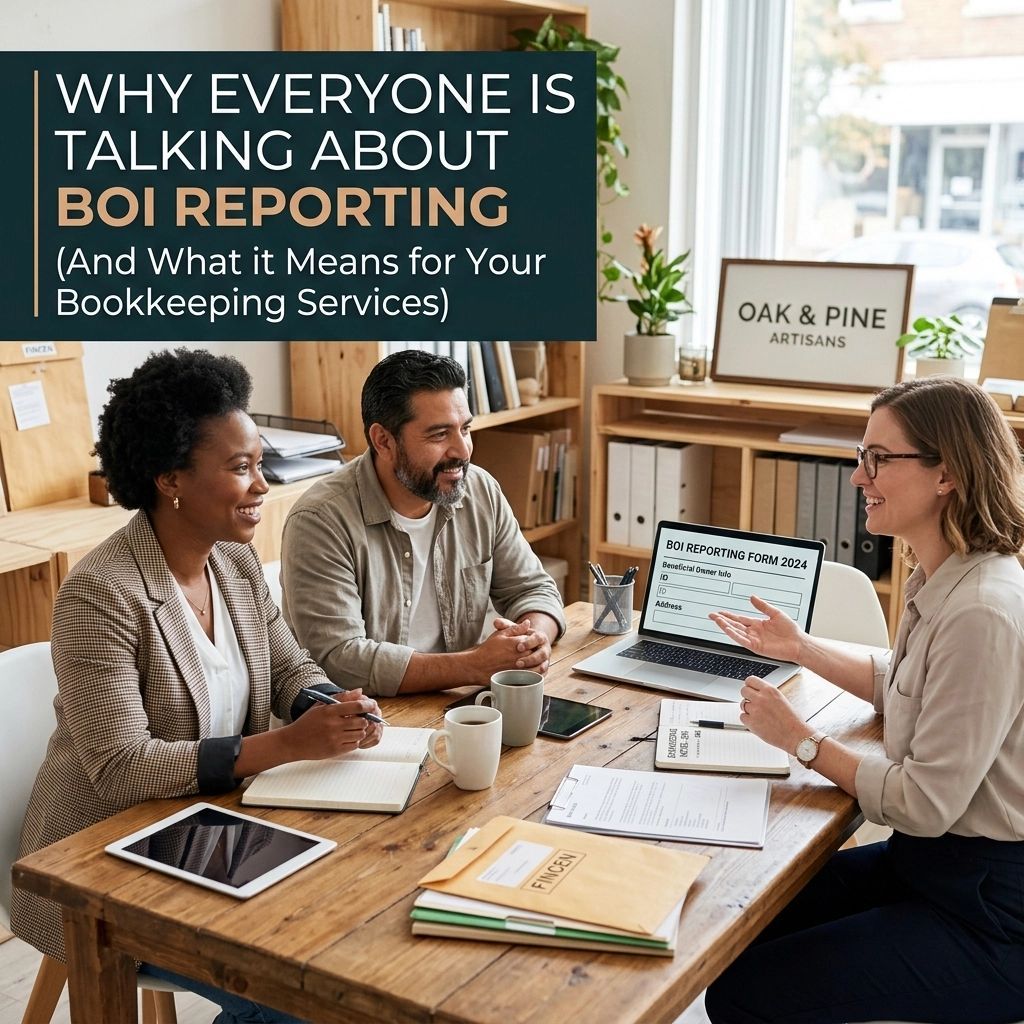


If you have ever felt a sense of dread as January approaches, you are not alone. For many small business owners in Buffalo, Rochester, and across Western New York, the start of the year isn't just about fresh goals: it’s about the looming deadline for 1099 forms. Managing contractors and vendors is a vital part of growing your business, but the administrative burden that comes with it can be overwhelming. A single typo or a missed deadline can lead to frustrating IRS penalties and unwanted stress. However, 1099 season doesn't have to be a nightmare. Most of the "tax time panic" is actually a symptom of a larger issue: disorganized bookkeeping throughout the rest of the year. At DornerLand Bookkeeping, we see these common pitfalls every day. By identifying these mistakes early and implementing professional financial data entry habits, you can protect your business and focus on what you do best. Here are the seven most common mistakes you might be making with 1099s and how to fix them today. 1. Missing the Hard Deadline of January 31st One of the most frequent mistakes is simply waiting too long to start the process. The IRS is strict: Form 1099-NEC (Non-Employee Compensation) must be filed by January 31st. This isn't just the postmark date for the contractor; it is the deadline for the IRS as well. If you miss this window, the penalties add up quickly. For 2025 and 2026, filing even 30 days late can cost you $60 per form. If you wait until after August, that penalty can jump to $330 per form. For a business with ten contractors, a simple oversight could cost you thousands of dollars in avoidable fees. The Fix: Don’t treat January 31st as the start date. Instead, make it your "finish line." Set an internal deadline of January 15th to have all data reviewed and ready. Using professional bookkeeping services ensures your records are reconciled monthly, so when January arrives, you aren't digging through a year's worth of receipts. 2. Using the Wrong 1099 Form Type A common point of confusion is the distinction between Form 1099-NEC and Form 1099-MISC. A few years ago, the IRS brought back the 1099-NEC specifically for non-employee compensation, but many business owners still try to report everything on the 1099-MISC. 1099-NEC: Use this for payments of $600 or more to independent contractors, consultants, and freelancers. 1099-MISC: Use this for rent, royalties, prizes, or healthcare payments. Reporting a consultant’s fee on a 1099-MISC is a red flag for the IRS and can trigger a rejection of your filing. The Fix: Review your vendor list in your accounting software. Ensure that your vendors are categorized correctly based on the service they provide. If you are unsure which form applies to your specific situation, checking our FAQs can provide more clarity on reporting requirements.

When you first started your business, your focus was likely on growth, customer satisfaction, and building a brand you could be proud of. You probably didn't spend your nights worrying about data encryption protocols or multi-factor authentication. However, as your business scales, your financial data becomes one of your most valuable: and vulnerable: assets. For many owners, the thought of moving to a virtual bookkeeper or deciding to outsource bookkeeping feels like a leap of faith. You might find yourself asking: Is my data really safe in the cloud? Who has access to my bank feeds? What happens if my information is intercepted? At DornerLand Bookkeeping, we understand that security isn't just a technical requirement; it is the foundation of the trust we build with our clients. Whether you are operating in Buffalo , Amherst , or anywhere across the country, protecting your financial integrity is our top priority. This guide will walk you through everything you need to know about small business bookkeeping security so you can focus on what you do best. The Reality of Small Business Security Risks Many small business owners fall into the trap of thinking they are "too small" to be targeted by cybercriminals. Unfortunately, the opposite is often true. Smaller operations frequently have weaker security measures than large corporations, making them "low-hanging fruit" for hackers. Common risks include: Phishing Scams: Fraudulent emails designed to trick you into revealing login credentials. Weak Passwords: Using the same password for your banking, email, and accounting software. Unsecured Networks: Accessing sensitive financial data over public Wi-Fi. Internal Errors: Employees having more access to data than they actually need to perform their jobs. By addressing these issues head-on, you don't just protect your money; you save time and reduce the administrative burden of recovering from a potential breach. 1. Strong Authentication: Your First Line of Defense Security starts with how you enter your systems. If your password is "Business2026," your data is essentially sitting behind an unlocked door. Multi-Factor Authentication (MFA) This is the single most effective tool in your security arsenal. MFA requires you to provide two or more verification factors to gain access to your accounts. This usually looks like a password followed by a code sent to your phone or generated by an app. Even if a hacker steals your password, they cannot access your accounts without that second physical device. Password Management You should never reuse passwords across different platforms. We recommend using a dedicated password manager. These tools generate complex, 12-to-15-character passwords and store them in an encrypted vault. This ensures that a breach at one service provider doesn't lead to a domino effect across all your business accounts.

You know that feeling when you check your bank balance on a Tuesday morning, and it’s… not what you expected? You’ve been working 60-hour weeks, your team is humming along, and you’ve definitely been making sales. So, why does the "Available Balance" look like it’s playing a prank on you? If you’re a small business owner in Buffalo, Rochester, or anywhere in between, you’ve likely dealt with the dreaded "cash flow gap." It’s that stressful space between the work you’ve already done and the money actually hitting your account. Most people will tell you that the secret to better cash flow is "selling more." But let’s be real: selling more won't help if the money is leaking out of a bucket you haven't looked at in months. At DornerLand Bookkeeping, we see this every day. The good news? There is one simple trick: one habit, really: that can change your financial life starting today. The "Secret" Trick: Regular Reconciliation I know, I know. "Reconciliation" sounds like a boring word that only accountants like Jackie Dorner care about. But hear me out. If you want to improve your cash flow right now, you need to stop treating your bank balance like a source of truth. Your bank balance is a liar. It doesn't know about the check you mailed to your supplier yesterday. It doesn't know about the $2,000 invoice a client promised to pay but forgot. It only knows what has cleared *right now*. Regular reconciliation : the process of matching your internal records against your bank and credit card statements: is the foundation of everything. When you reconcile your books every single week (or even daily), you gain a superpower: Clarity. Why Reconciliation is a Cash Flow Game Changer When your books are reconciled through our bookkeeping services , you aren't guessing. You know exactly: Which customers still owe you money (Accounts Receivable). Which bills are coming due that you haven't paid yet ( Accounts Payable ). Where your money is actually going. Most cash flow problems aren't caused by a lack of profit; they are caused by a lack of visibility. Once you see the "truth" in your financial reports , you can make moves to fix the gaps. Immediate Tactics to Boost Your Cash Flow Once you’ve committed to keeping your books clean and reconciled, you can start applying specific tactics to get more cash in the door. Here are the "quick wins" we recommend to our clients from Amherst to Niagara Falls . 1. The "Early Bird" Incentive If you have customers who take 30 or 60 days to pay, try offering a small discount for early payment. A "2/10, Net 30" term means they get a 2% discount if they pay within 10 days; otherwise, the full amount is due in 30. This small 2% cost is often worth it to get that cash into your hands weeks earlier. 2. Invoice Immediately (Don't Wait Until Friday!) Many business owners wait until the end of the week or even the end of the month to send out invoices. This is essentially giving your customers a free loan. The moment the service is rendered or the product is delivered, the invoice should go out. If you're struggling with the tech side of this, our QuickBooks training can show you how to automate this so it happens while you sleep. 3. Renegotiate with Your Suppliers This is the part most owners are too shy to do. Call your vendors. If you’ve been a loyal customer, ask for "Net 45" terms instead of "Net 30." Extending the time you hold onto your cash by just 15 days can provide a significant cushion during slow months. 4. Audit Your Subscriptions and Expenses When was the last time you looked at your financial data entry for the month? We often find small business owners paying for software they haven't used in a year or duplicate insurance policies. These $50 and $100 leaks add up to thousands of dollars over a year. The Emotional Benefit: Financial Peace of Mind At DornerLand Bookkeeping, we aren't just here to move numbers around. We’re here to give you your life back. When you understand your cash flow, the "Sunday Scaries" disappear. You no longer have to wonder if you can afford payroll entry this week or if that equipment upgrade is a good idea. Knowing your numbers leads to Financial Peace of Mind. It allows you to be a better boss, a better community member in places like Clarence or Orchard Park , and: most importantly: more present for your family. We’ve even written about how outsourcing your bookkeeping can change the way you manage your family . Is Your Business Ready to Scale? A lot of business owners think they need to wait until they are "big enough" to hire a bookkeeper. The truth is, waiting until you're overwhelmed usually leads to costly mistakes and missed tax deductions. Whether you're in Buffalo or Rochester , having a virtual partner can be the catalyst that allows you to scale. If you're wondering if a virtual bookkeeper is right for you, check out the truth about scaling here . Recap: How to Fix Your Cash Flow Starting Today If you're feeling the squeeze, don't panic. Take a breath and follow these steps: Reconcile Everything: Ensure every transaction in your bank and credit card accounts matches your accounting software. This gives you the "Ground Truth." Invoice Faster: Don't let your hard-earned money sit in your customer's bank account. Send invoices the moment the work is done. Incentivize Early Payments: Offer a small discount (like 1-2%) for clients who pay within 10 days. Watch the Leaks: Audit your recurring expenses. If you don't need it, cancel it. Talk to Your Vendors: Ask for longer payment terms to keep cash in your pocket longer. Get Professional Help: If you’re spending your weekends buried in receipts, it’s time to stop. Your time is worth more than what you're "saving" by doing it yourself. Let’s Get Your Books Healthy Managing a business is hard enough without the constant stress of "Where did the money go?" You deserve to have a clear picture of your financial health so you can focus on what you actually love doing: running your business. At DornerLand Bookkeeping, we pride ourselves on being more than just "number crunchers." We are your partners in growth. Whether you need QuickBooks or Xero training to do it yourself, or you're ready to hand the whole process over to an expert, we're here to help. Ready to see how much easier your life can be when your cash flow is under control? Contact us today for a consultation, or learn more about us and how we serve the Western New York business community. Your peace of mind is just a reconciliation away. Let’s get to work!
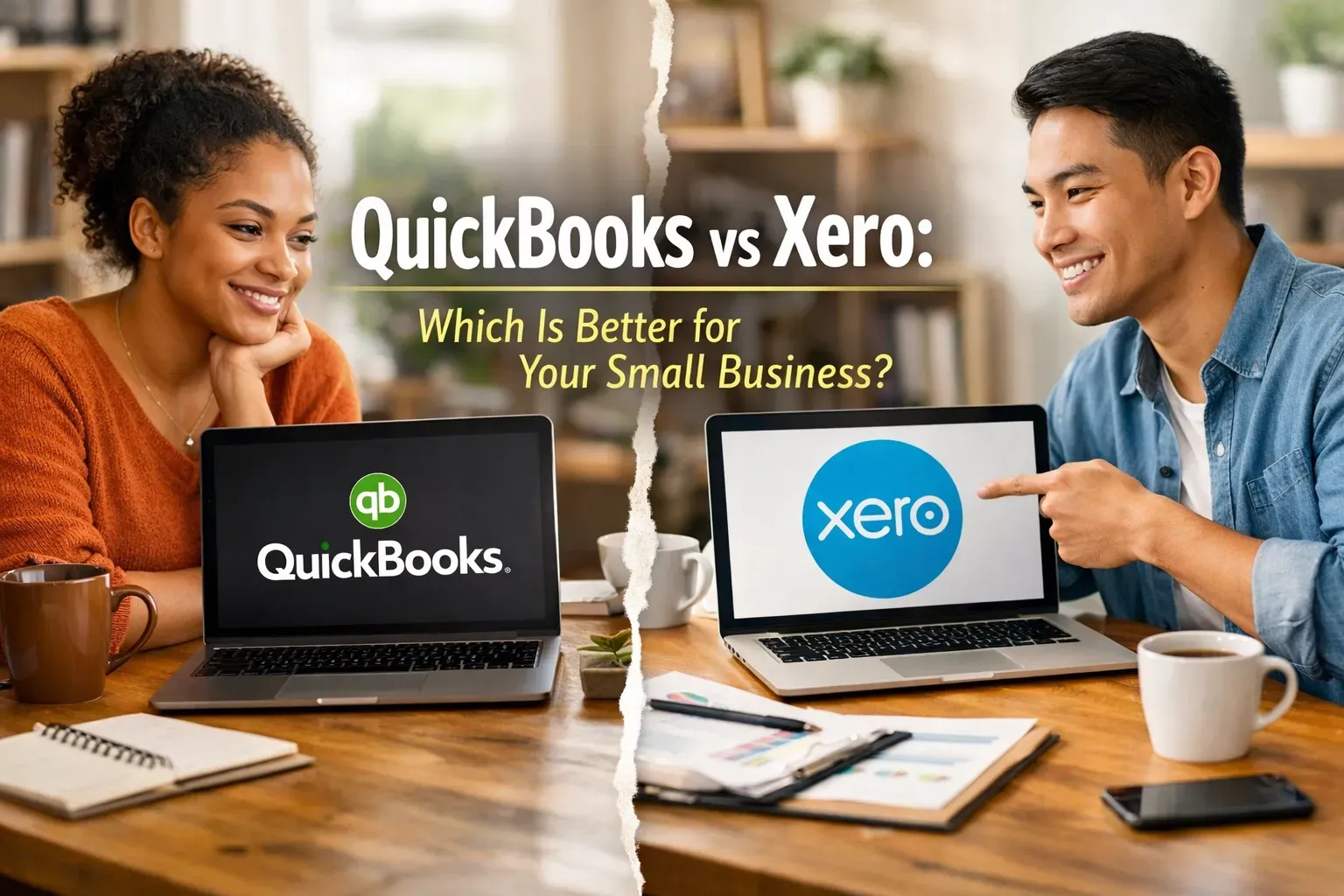
Choosing the right accounting software for your small business can feel a lot like trying to pick a favorite child, or, more accurately, like trying to pick between a Swiss Army knife and a high-end power tool. You know you need one to survive, but the sheer number of features, pricing tiers, and "expert" opinions can make your head spin. If you’ve been searching for a way to streamline your finances, you’ve likely narrowed it down to the two big titans: QuickBooks Online and Xero . Both are incredible cloud-based platforms that can transform your messy shoebox of receipts into a streamlined financial engine. But which one is actually right for your specific workflow? At DornerLand Bookkeeping, I see business owners in Buffalo, Rochester, and beyond struggle with this choice every day. Whether you’re just starting out or you’re looking to scale, the platform you choose will be the backbone of your financial health. Let’s break down the pros, the cons, and the "oh-no-how-do-I-fix-this" moments for both, so you can stop stressing and get back to running your business. The "Big Picture" Comparison Before we dive into the weeds, it’s important to understand that neither of these programs is "bad." In fact, they are the industry leaders for a reason. They both offer automatic bank feeds, cloud access so you can check your numbers from your phone, and the ability to invite your virtual bookkeeper to collaborate in real-time. However, they have very different "personalities." QuickBooks is the established veteran, it’s deep, robust, and preferred by the vast majority of accountants in the US. Xero is the sleek, modern challenger, it’s intuitive, emphasizes a clean user interface, and offers a unique "unlimited users" model that many growing teams love. QuickBooks Online: The 800-Pound Gorilla QuickBooks is essentially the industry standard. If you walk into almost any accounting firm in Orchard Park or Amherst, they’re going to ask for your QuickBooks login. The Pros of QuickBooks Reporting Depth: If you love data, QuickBooks is your best friend. It offers a massive array of pre-built reports. From detailed Profit & Loss statements to specialized sales tax tracking, the level of customization is hard to beat. Built-in Ecosystem: Everything is under one roof. QuickBooks has its own integrated payroll, time tracking (via TSheets/QuickBooks Time), and even merchant services for accepting payments. Accountant Familiarity: Because it’s so popular, finding someone to help you with QuickBooks training is easy. Most tax professionals are built to work within the QuickBooks ecosystem, which can save you a lot of back-and-forth during tax season. Advanced Inventory: For businesses that sell physical products and need to track multiple warehouses or serial numbers, QuickBooks’ higher-tier plans are generally more robust than Xero’s native offerings. The Cons of QuickBooks The Learning Curve: Because it does everything , the interface can feel a bit cluttered. It’s easy to get lost in the menus if you don’t know exactly where you’re going. User Limits: QuickBooks limits the number of users based on your plan. If you have a larger team that needs access to bill pay or invoicing, you might find yourself forced into a more expensive monthly subscription. Xero: The Modern, User-Friendly Alternative Xero entered the market with a mission to make accounting "beautiful." While "beautiful" isn't usually the first word people use for bookkeeping, Xero actually comes close. Its dashboard is clean, and its logic is often more intuitive for people who aren't trained accountants. The Pros of Xero Unlimited Users: This is a huge selling point. Regardless of which plan you’re on, you can add as many users as you want. This is perfect for businesses that want their sales team, office manager, and owner all to have varying levels of access without paying extra. Clean Interface: The dashboard gives you a high-level view of your bank balances, outstanding invoices, and upcoming bills without looking like a spreadsheet exploded on your screen. App Integrations: Xero has a massive "App Store" with over 1,000 integrations. If you use a specific CRM, inventory tool, or project management software, there’s a good chance it syncs perfectly with Xero. Global Mindset: If your business handles a lot of multi-currency transactions, Xero’s handling of foreign exchange rates is often cited as being smoother and more automated than QuickBooks. The Cons of Xero Reporting Limits: While Xero has great reports, they aren't quite as customizable as QuickBooks. If you need hyper-specific, granular data, you might find it a little restrictive. Less Common in the US: While it’s growing fast, some local tax preparers might not be as familiar with it. This is where having a virtual bookkeeper who specializes in Xero training (yes, we do both!) becomes a lifesaver. How to Choose Based on Your Workflow Still on the fence? Let's look at a few common scenarios. Scenario A: You’re a Solo Service Provider If you’re a consultant or freelancer in Niagara Falls and just need to send invoices and track expenses, both will work. However, Xero’s lower-tier plans are often more affordable if you have a low volume of transactions. If you plan on growing quickly and want the most "standard" setup possible, QuickBooks is a safe bet. Scenario B: You Have a Growing Team If you need five different people to log in and perform different tasks (one person for accounts payable , another for invoicing, and another for payroll entry ), Xero’s "unlimited users" model will save you a significant amount of money every month. Scenario C: You Need Robust Financial Reports If you are someone who checks their financial reports every single morning and wants to slice and dice data by location, class, or project, QuickBooks is likely the winner. Its reporting engine is designed for deep dives. Why Setup Matters More Than the Software Here is the secret that most software companies won't tell you: The software is only as good as the person setting it up. I’ve seen business owners choose QuickBooks because "everyone uses it," only to end up with a chart of accounts that looks like a disaster zone. I’ve seen people choose Xero for its beauty, only to realize they haven't reconciled their bank feeds in six months. Whether you choose QuickBooks or Xero, the "Problem-Solution" usually looks like this: Problem: You spend 10 hours a month struggling with financial data entry and still aren't sure if your numbers are right. Solution: Professional setup and training. At DornerLand Bookkeeping, we don't just hand you a login and wish you luck. We offer expert QuickBooks training and Xero setup to ensure your bank feeds are mapped correctly, your invoices look professional, and you actually know how to read your Profit & Loss statement. Recap: QuickBooks vs. Xero at a Glance QuickBooks Online: Best for: Deep reporting, US-based accountant preference, and businesses needing all-in-one payroll/inventory. Saving Time: Excellent automation for recurring invoices and bill reminders. Cost Factor: Can get pricey as you add users or advanced features. Xero: Best for: Unlimited users, modern interface, and businesses using many third-party apps. Improving Efficiency: Intuitive bank reconciliation that feels more like a game than a chore. Cost Factor: Great value for teams; multi-currency is handled exceptionally well. Stop Guessing and Start Growing Choosing between these two doesn't have to be a permanent "marriage." However, moving your data later can be a headache, so it’s worth taking the time to choose the one that fits your workflow today and where you want to be in three years. If you’re feeling overwhelmed, don't sweat it! You don't have to make this decision alone. Whether you’re looking for a virtual bookkeeper to take it all off your plate or you just need some one-on-one training to get your DIY books back on track, I'm here to help. We serve clients locally in Clarence, Buffalo, and Orchard Park, as well as virtually across the country. Let’s get your books cleaned up and your software working for you, not against you. Ready to find the perfect fit for your business? Contact us today for a consultation. We’ll look at your current workflow and help you decide whether QuickBooks or Xero will give you the peace of mind you deserve. Let’s make your bookkeeping the easiest part of your business day!

You didn’t start your business to spend your Saturday afternoons hunched over a laptop, squinting at receipt scans and wrestling with bank reconciliations. You started it to build a legacy, provide for your family, and enjoy the freedom that comes with being your own boss. Yet, for many small business owners in the Buffalo, Orchard Park, and Rochester areas, that freedom is often the first thing to go. As your business grows, so does the mountain of administrative tasks. Before you know it, the "quick check" of your books turns into a four-hour ordeal that eats into dinner time, bedtime stories, and weekend outings. If you feel like your business is slowly stealing your personal life, you aren't alone: but there is a way to take it back. When you choose to outsource bookkeeping , you aren’t just hiring a service; you are buying back your time. At DornerLand Bookkeeping, we’ve spent over 10 years helping business owners across Western New York transition from "overwhelmed" to "organized." Here is how a professional virtual bookkeeper can change the way you manage your family time and your peace of mind.